Scroll-driven text reveal
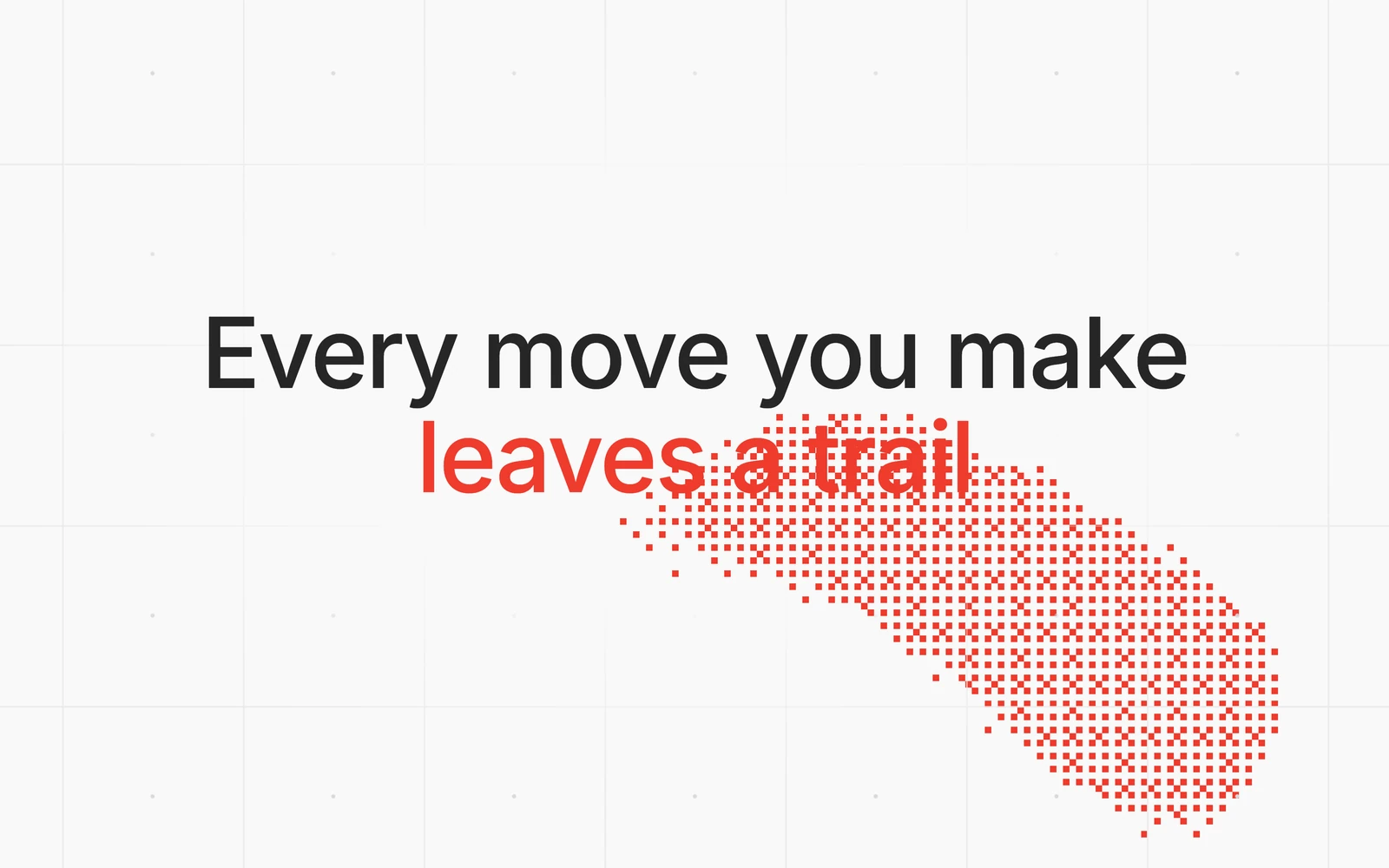
The scroll-driven text reveal from joinstarlight.com: a paragraph that colours itself in word by word as you scroll, with a blue streak running ahead of the finished text.
Build a React 19 + TypeScript component called ScrollTextReveal: a centred paragraph that colours in word by word, from dim through a blue streak to white, as you scroll inside the component.

Constraints
- One .tsx file, "use client", imports from react only, default export, no required props. Optional props: text (default below; "\n" marks a line break) and streakWidth (default 0.15). All CSS in a template string rendered as <style href="ui-scroll-text-reveal" precedence="ui">, every class prefixed "str-".
- The root fills its parent (width/height 100%, background #0a0a0f, isolation isolate) and is itself the scroll container: overflow-y auto, overflow-x hidden, overscroll-behavior auto so the page continues once it ends, scrollbar hidden. Never read the window's scroll.
- Font: var(--font-google-sans-flex, "Google Sans Flex"), system-ui, sans-serif.

Layout
- Inside the root, a runway 300% of the root's height. Inside that, a sticky panel (top 0, height a third of the runway, so exactly the root's height): a flex column with padding 32px 32px 24px (24px sides when narrow). The paragraph is centred in the space above a scroll cue.
- Paragraph: weight 500, line-height 1.6, centred, colour #F0F0F5. Default text, one line each:
  "The light reaching you tonight"
  "left some of these stars"
  "before anyone you know was born."
  "A few of them are already gone."
  "You're seeing them anyway."
- Make the root an inline-size container. At 520px and wider keep the line breaks and use font-size: min(2.75rem, calc((100cqi - 64px) / 17)), so the longest line (about 16em) never wraps. Below 520px hide the breaks, render a space in their place, and use clamp(1.125rem, 5.6cqi, 1.5rem) with text-wrap: pretty.
- Split the text on spaces only and wrap each word in a span, so a word either side of a line break colours as one.

Colour
- Progress p = scrollTop / (scrollHeight - clientHeight), clamped 0 to 1.
- Word i of n: local = (p - i/n × (1 - streak)) / streak, clamped 0 to 1.
- Five evenly spaced stops: dim rgb(55,55,72), blue-400 rgb(96,165,250), indigo-400 rgb(129,140,248), indigo-500 rgb(99,102,241), final rgb(240,240,245). Scale local by 4, pick the segment, lerp RGB and round. Words start dim in CSS so nothing flashes on mount.
- Don't drive colours through React state. Keep a smoothed progress in a variable; a requestAnimationFrame loop does smooth += (target - smooth) × 0.06, snaps when the gap is under 0.001, writes span.style.color only when the value changed, and stops when the gap is under 0.0005. Scroll and resize events wake it.

Scroll cue
- Under the paragraph: "Scroll" (12px, weight 500, #8A8AA3) over a 14px chevron that bobs 3px every 1.6s. Its opacity is 1 - p / 0.12, so it's gone almost as soon as scrolling starts.

Accessibility and behaviour
- The root has tabIndex 0, role="region" and an aria-label, so arrow keys, Page Up/Down and Space scroll it. On :focus-visible, draw a 2px indigo ring inset 12px with a 28px radius instead of the outline. Touch scrolling works natively.
- Stop the loop and pause the CSS animations off screen (IntersectionObserver) and in hidden tabs; remove every listener on unmount.
- prefers-reduced-motion: no smoothing, streak or bob. Each word is white once p > i/n and dim before that.
"use client";
/**
* ScrollTextReveal: a paragraph that colours in word by word as you scroll.
*
* From Starlight (joinstarlight.com), where it is pinned to the page between the hero and the product
* mockup and the page's own scroll drives it. Here the component is its own scroll container: a runway
* three times its height with a sticky panel inside, so scrolling inside the frame drives the reveal,
* and once it reaches the end the page carries on scrolling.
*
* How it works
* - Scroll progress p runs 0 → 1 across the runway. Word i of n gets a local progress of
* (p − i/n × (1 − streak)) / streak, with streak = 0.15, so about 15% of the text is mid-change at once.
* - Local progress walks each word's colour through five stops, lerping RGB between them: dim
* rgb(55,55,72), blue-400, indigo-400, indigo-500, then off-white #F0F0F5. The result is a blue streak
* that sweeps through the paragraph ahead of the finished text.
* - p is smoothed (6% of the remaining gap per frame) in a requestAnimationFrame loop that wakes on
* scroll and stops once it settles, and it never runs off screen or in a hidden tab.
* - Line breaks (\n in `text`) hold on frames 520px and wider, where the type is sized from the frame's
* width so no line wraps; narrower frames let the text flow. A "Scroll" cue fades out as p rises.
* - With reduced motion there is no streak or smoothing: each word snaps to white once p passes it.
* - The scroller is focusable, so arrow keys, Page Up/Down and Space scroll it too.
*
* Usage
* <div style={{ height: 520 }}>
* <ScrollTextReveal text={"First line,\nsecond line."} />
* </div>
*
* Requirements: React 19 (for the hoisted <style>), no other dependencies, a browser with container
* queries. Set in Google Sans Flex when the page provides `--font-google-sans-flex`, else the system sans.
*/
import { Fragment, useEffect, useRef } from "react";
// ── Copy ─────────────────────────────────────────────────────────────────────────────────────────
const DEFAULT_TEXT = [
"The light reaching you tonight",
"left some of these stars",
"before anyone you know was born.",
"A few of them are already gone.",
"You're seeing them anyway.",
].join("\n");
// ── Colour: the site's dark palette ─────────────────────────────────────────────────────────────
type RGB = readonly [number, number, number];
const DIM: RGB = [55, 55, 72]; // #8A8AA3 at ~35% on the dark background
const STREAK: RGB[] = [
[96, 165, 250], // blue-400
[129, 140, 248], // indigo-400
[99, 102, 241], // indigo-500
];
const FINAL: RGB = [240, 240, 245]; // #F0F0F5
const STOPS: RGB[] = [DIM, ...STREAK, FINAL];
// ── Motion ──────────────────────────────────────────────────────────────────────────────────────
const RUNWAY = 3; // the scrollable runway, in multiples of the component's height
const SMOOTHING = 0.06; // share of the gap to the scroll position closed each frame
const CUE_FADE = 0.12; // the scroll cue is gone by this much progress
function rgbString(c: RGB): string {
return `rgb(${c[0]},${c[1]},${c[2]})`;
}
function lerpColor(a: RGB, b: RGB, t: number): RGB {
return [
Math.round(a[0] + (b[0] - a[0]) * t),
Math.round(a[1] + (b[1] - a[1]) * t),
Math.round(a[2] + (b[2] - a[2]) * t),
];
}
const DIM_COLOR = rgbString(DIM);
const FINAL_COLOR = rgbString(FINAL);
function wordColor(progress: number): string {
if (progress <= 0) return DIM_COLOR;
if (progress >= 1) return FINAL_COLOR;
const segments = STOPS.length - 1;
const scaled = progress * segments;
const idx = Math.min(Math.floor(scaled), segments - 1);
return rgbString(lerpColor(STOPS[idx], STOPS[idx + 1], scaled - idx));
}
// ── Styles ──────────────────────────────────────────────────────────────────────────────────────
const css = `
.str-root {
container: str / inline-size;
position: relative;
width: 100%;
height: 100%;
overflow-x: hidden;
overflow-y: auto;
overscroll-behavior: auto;
isolation: isolate;
background: #0a0a0f;
color: ${FINAL_COLOR};
font-family: var(--font-google-sans-flex, "Google Sans Flex"), system-ui, sans-serif;
font-size: 16px;
line-height: 1.5;
text-align: center;
scrollbar-width: none;
outline: none;
-webkit-font-smoothing: antialiased;
-moz-osx-font-smoothing: grayscale;
}
.str-root::-webkit-scrollbar { display: none; }
.str-root *, .str-root *::before, .str-root *::after { box-sizing: border-box; }
.str-runway { position: relative; height: ${RUNWAY * 100}%; }
.str-panel {
position: sticky;
top: 0;
height: ${100 / RUNWAY}%;
display: flex;
flex-direction: column;
padding: 32px 24px 24px;
overflow: hidden;
}
/* The paragraph */
.str-body {
position: relative;
z-index: 1;
flex: 1 1 auto;
min-height: 0;
display: flex;
align-items: center;
justify-content: center;
}
.str-text {
margin: 0;
max-width: 100%;
font-size: clamp(1.125rem, 5.6cqi, 1.5rem);
font-weight: 500;
line-height: 1.6;
text-wrap: pretty;
color: ${FINAL_COLOR};
}
.str-word { color: ${DIM_COLOR}; }
.str-sp { display: none; }
/* Wide frames keep the authored line breaks, with the type sized so the longest line (about 16em in
Google Sans Flex) never wraps. Narrow frames drop the breaks and let the text flow. */
@container str (min-width: 520px) {
.str-panel { padding-left: 32px; padding-right: 32px; }
.str-text { font-size: min(2.75rem, calc((100cqi - 64px) / 17)); }
}
@container str (max-width: 519.98px) {
.str-br { display: none; }
.str-sp { display: inline; }
}
/* Scroll cue */
.str-cue {
position: relative;
z-index: 1;
flex: none;
align-self: center;
display: flex;
flex-direction: column;
align-items: center;
gap: 2px;
font-size: 12px;
font-weight: 500;
line-height: 16px;
letter-spacing: 0.02em;
color: #8a8aa3;
pointer-events: none;
user-select: none;
-webkit-user-select: none;
}
.str-cue-chev { width: 14px; height: 14px; }
/* Keyboard focus: a ring inset from the frame's edge */
.str-root:focus-visible .str-panel::after {
content: "";
position: absolute;
inset: 12px;
z-index: 2;
border: 2px solid rgba(129, 140, 248, 0.65);
border-radius: 28px;
pointer-events: none;
}
@media (prefers-reduced-motion: no-preference) {
.str-cue-chev { animation: str-cue-bob 1.6s ease-in-out infinite; }
}
/* Off screen or in a hidden tab: freeze every animation */
.str-root[data-paused], .str-root[data-paused] * { animation-play-state: paused; }
@keyframes str-cue-bob { 0%, 100% { transform: translateY(0); } 50% { transform: translateY(3px); } }
`;
// ── Component ───────────────────────────────────────────────────────────────────────────────────
type ScrollTextRevealProps = {
/** The paragraph. Words split on spaces; \n marks a line break. */
text?: string;
/** How much of the text is mid-streak at once, 0–1. */
streakWidth?: number;
};
export default function ScrollTextReveal({
text = DEFAULT_TEXT,
streakWidth = 0.15,
}: ScrollTextRevealProps) {
const rootRef = useRef<HTMLDivElement>(null);
const cueRef = useRef<HTMLDivElement>(null);
const wordsRef = useRef<(HTMLSpanElement | null)[]>([]);
// As on the site, words split on spaces only, so a word either side of a line break colours as one.
const words = text.split(" ");
const count = words.length;
// The reveal: read the scroll position, ease toward it, paint the words.
useEffect(() => {
const root = rootRef.current;
if (!root) return;
const cue = cueRef.current;
const spans = wordsRef.current;
spans.length = count;
const painted: string[] = [];
const reducedMotion = window.matchMedia("(prefers-reduced-motion: reduce)");
let raf = 0;
let smooth = 0;
let onScreen = true;
let tabVisible = document.visibilityState === "visible";
const readProgress = () => {
const max = root.scrollHeight - root.clientHeight;
return max > 0 ? Math.min(1, Math.max(0, root.scrollTop / max)) : 0;
};
const paint = (progress: number, snap: boolean) => {
if (cue) cue.style.opacity = String(Math.max(0, 1 - progress / CUE_FADE));
for (let i = 0; i < count; i++) {
const span = spans[i];
if (!span) continue;
const color = snap
? progress > i / count
? FINAL_COLOR
: DIM_COLOR
: wordColor((progress - (i / count) * (1 - streakWidth)) / streakWidth);
if (painted[i] !== color) {
painted[i] = color;
span.style.color = color;
}
}
};
const tick = () => {
raf = 0;
const target = readProgress();
// Reduced motion: no smoothing, words snap revealed by threshold.
if (reducedMotion.matches) {
smooth = target;
paint(target, true);
return;
}
const diff = target - smooth;
smooth += diff * SMOOTHING;
if (Math.abs(diff) < 0.001) smooth = target;
paint(smooth, false);
// Sleep once settled; the next scroll wakes the loop.
if (Math.abs(diff) >= 0.0005 && onScreen && tabVisible) raf = requestAnimationFrame(tick);
};
const wake = () => {
if (!raf && onScreen && tabVisible) raf = requestAnimationFrame(tick);
};
const updateActivity = () => {
if (onScreen && tabVisible) {
delete root.dataset.paused;
wake();
} else {
root.dataset.paused = "";
cancelAnimationFrame(raf);
raf = 0;
}
};
const io = new IntersectionObserver(([entry]) => {
onScreen = entry.isIntersecting;
updateActivity();
});
const onVisibility = () => {
tabVisible = document.visibilityState === "visible";
updateActivity();
};
const ro = new ResizeObserver(wake);
io.observe(root);
ro.observe(root);
root.addEventListener("scroll", wake, { passive: true });
document.addEventListener("visibilitychange", onVisibility);
reducedMotion.addEventListener("change", wake);
wake();
return () => {
cancelAnimationFrame(raf);
io.disconnect();
ro.disconnect();
root.removeEventListener("scroll", wake);
document.removeEventListener("visibilitychange", onVisibility);
reducedMotion.removeEventListener("change", wake);
delete root.dataset.paused;
};
}, [count, streakWidth, text]);
return (
<div
ref={rootRef}
className="str-root"
tabIndex={0}
role="region"
aria-label="Scrolling text reveal. Scroll to read."
>
<style href="ui-scroll-text-reveal" precedence="ui">
{css}
</style>
<div className="str-runway">
<div className="str-panel">
<div className="str-body">
<p className="str-text">
{words.map((word, i) => (
<span
key={i}
className="str-word"
ref={(el) => {
wordsRef.current[i] = el;
}}
>
{word.split("\n").map((part, j) => (
<Fragment key={j}>
{/* A hard break on wide frames, a plain space where the text flows */}
{j > 0 && (
<>
<br className="str-br" />
<span className="str-sp"> </span>
</>
)}
{part}
</Fragment>
))}
{i < count - 1 ? " " : ""}
</span>
))}
</p>
</div>
<div ref={cueRef} className="str-cue" aria-hidden="true">
<span>Scroll</span>
<svg className="str-cue-chev" viewBox="0 0 16 16" fill="none" focusable="false">
<path
d="M4 6l4 4 4-4"
stroke="currentColor"
strokeWidth="1.5"
strokeLinecap="round"
strokeLinejoin="round"
/>
</svg>
</div>
</div>
</div>
</div>
);
}